You had a thought. Then you opened a tab to look something up. Then another. And another. Somewhere around the fourth tab, the thought was gone.
So we put your notebook where you always end up: the new tab.
A Chrome extension for people who think in tabs
Note in Tabs turns it into your notebook, so the thought you had a moment ago is still there when you need it.
You had a thought. Then you opened a tab to look something up. Then another. And another. Somewhere around the fourth tab, the thought was gone.
So we put your notebook where you always end up: the new tab.
Try it
This is the idea, running right here. Type a note, then open a new tab with the + and see what’s waiting.
Two keys. That’s the whole workflow.Press Ctrl+T anywhere in Chrome and your notes are already open.
01 Notes, as tabs
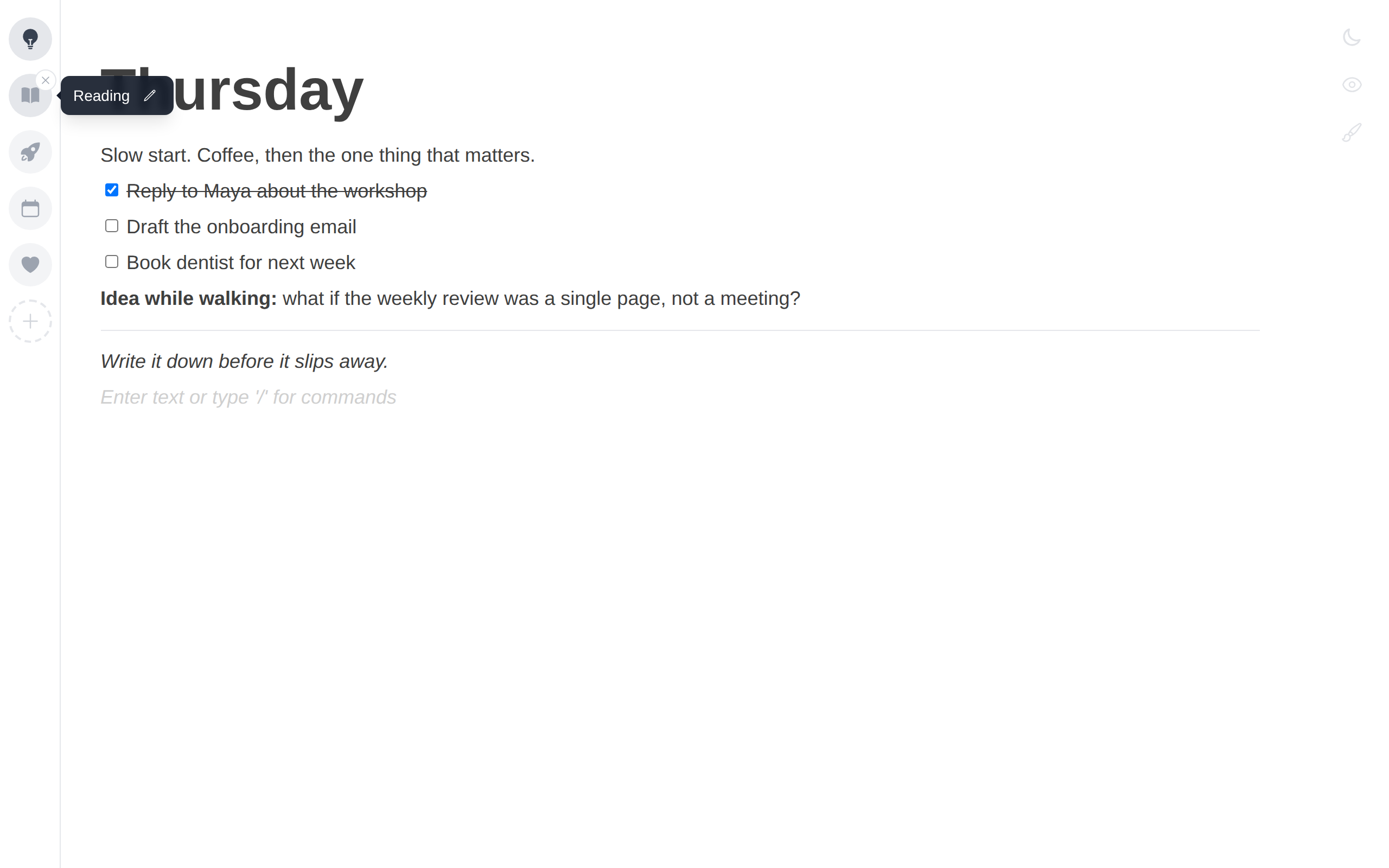
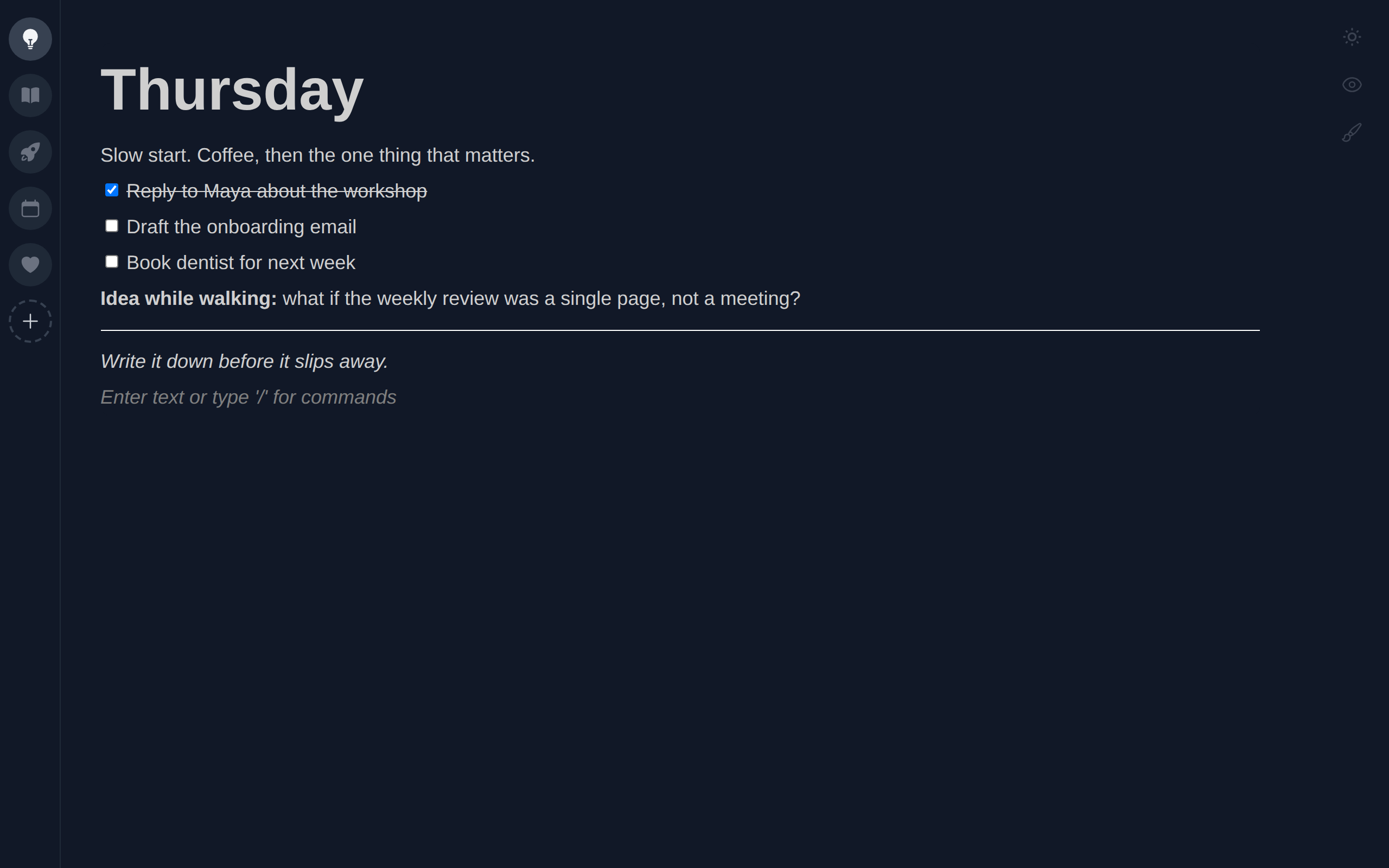
Today, Reading, that side project. Give each note an icon and a name, drag to reorder, and jump between them from the sidebar.
02 Blocks
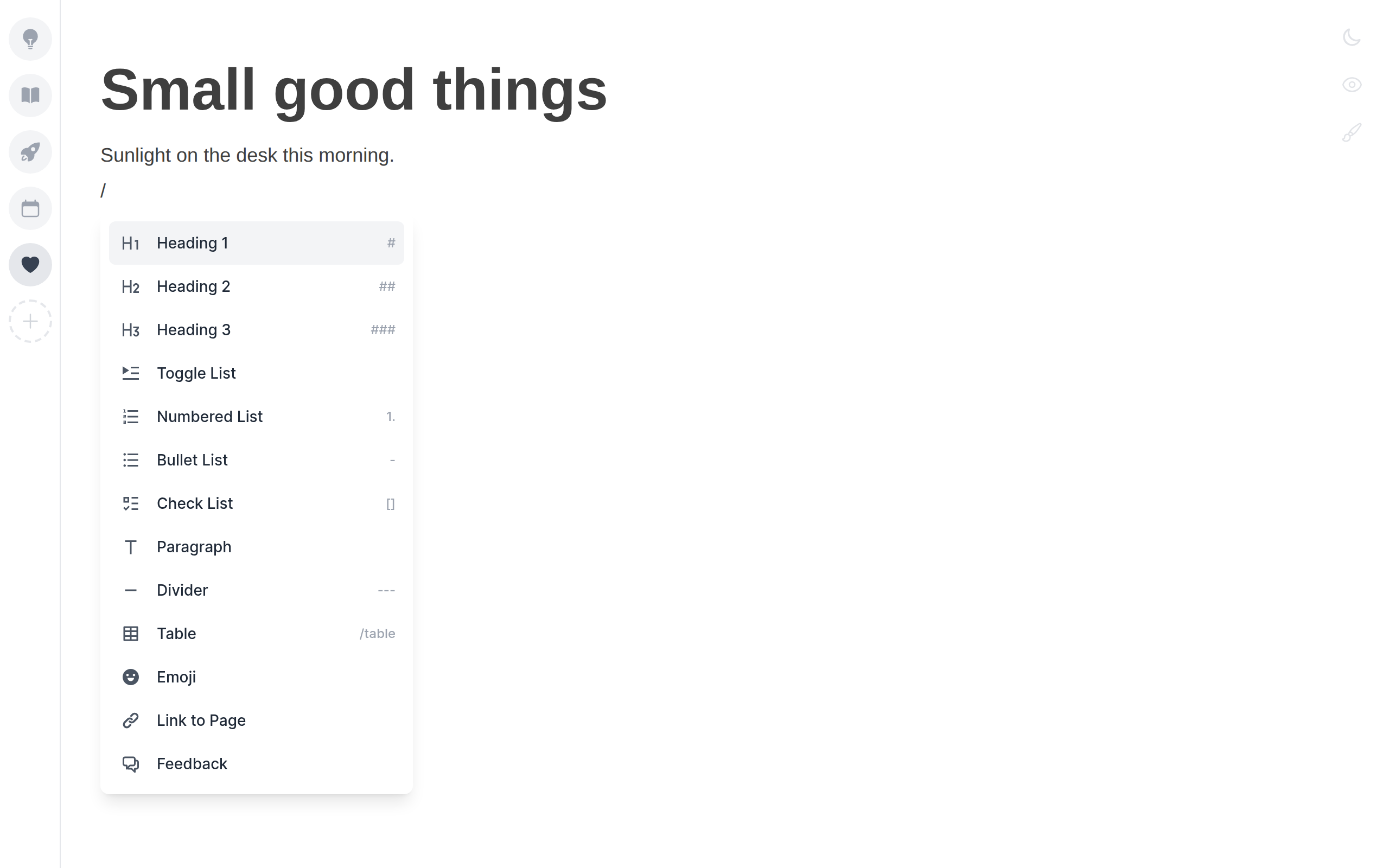
Headings, checklists, tables and dividers without leaving the keyboard. Markdown habits like [ ] and --- just work.
03 Canvas
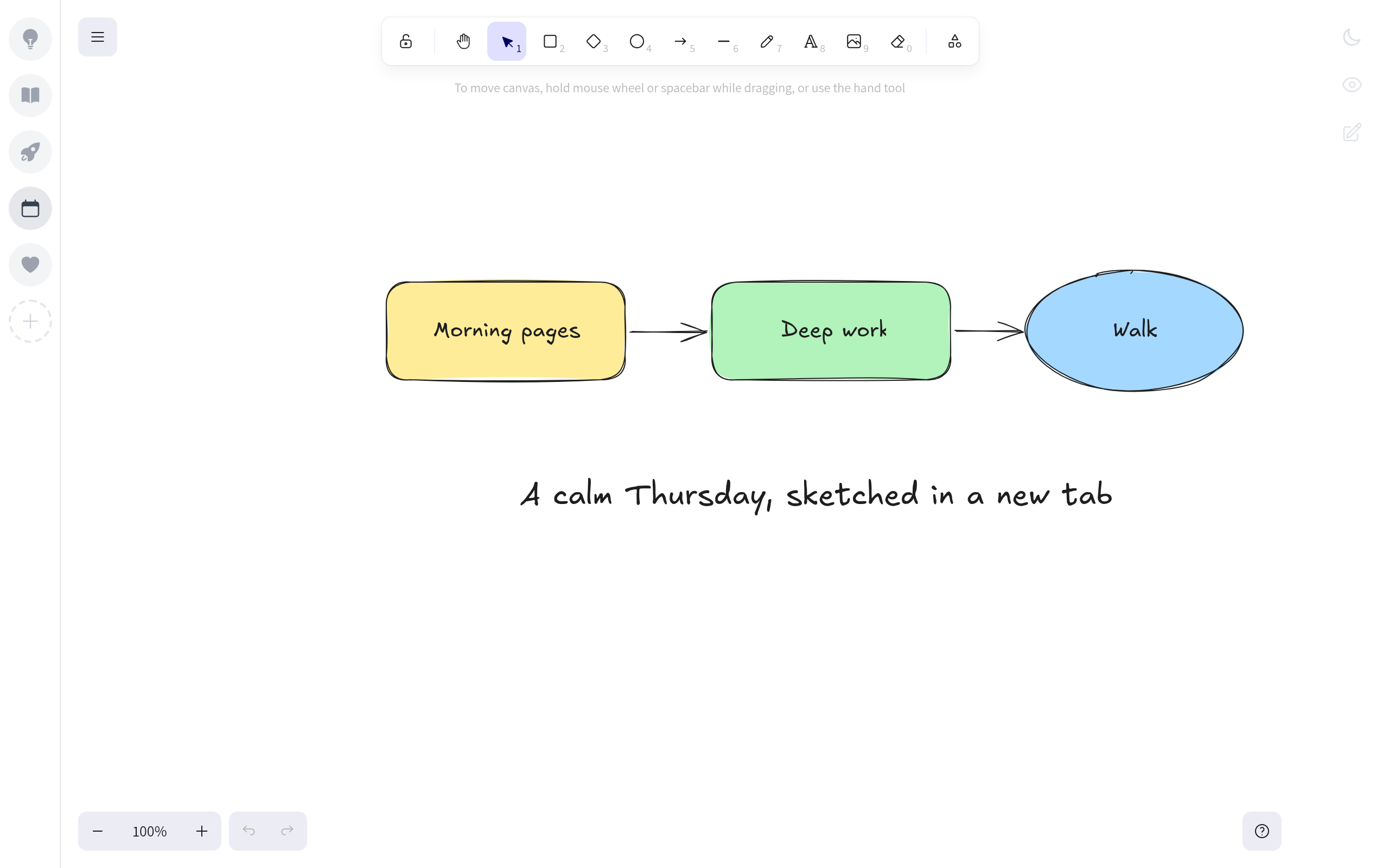
Flip any note into a sketchpad for diagrams, maps and quick doodles. Flip back and your text is right where you left it.
04 Privacy mode
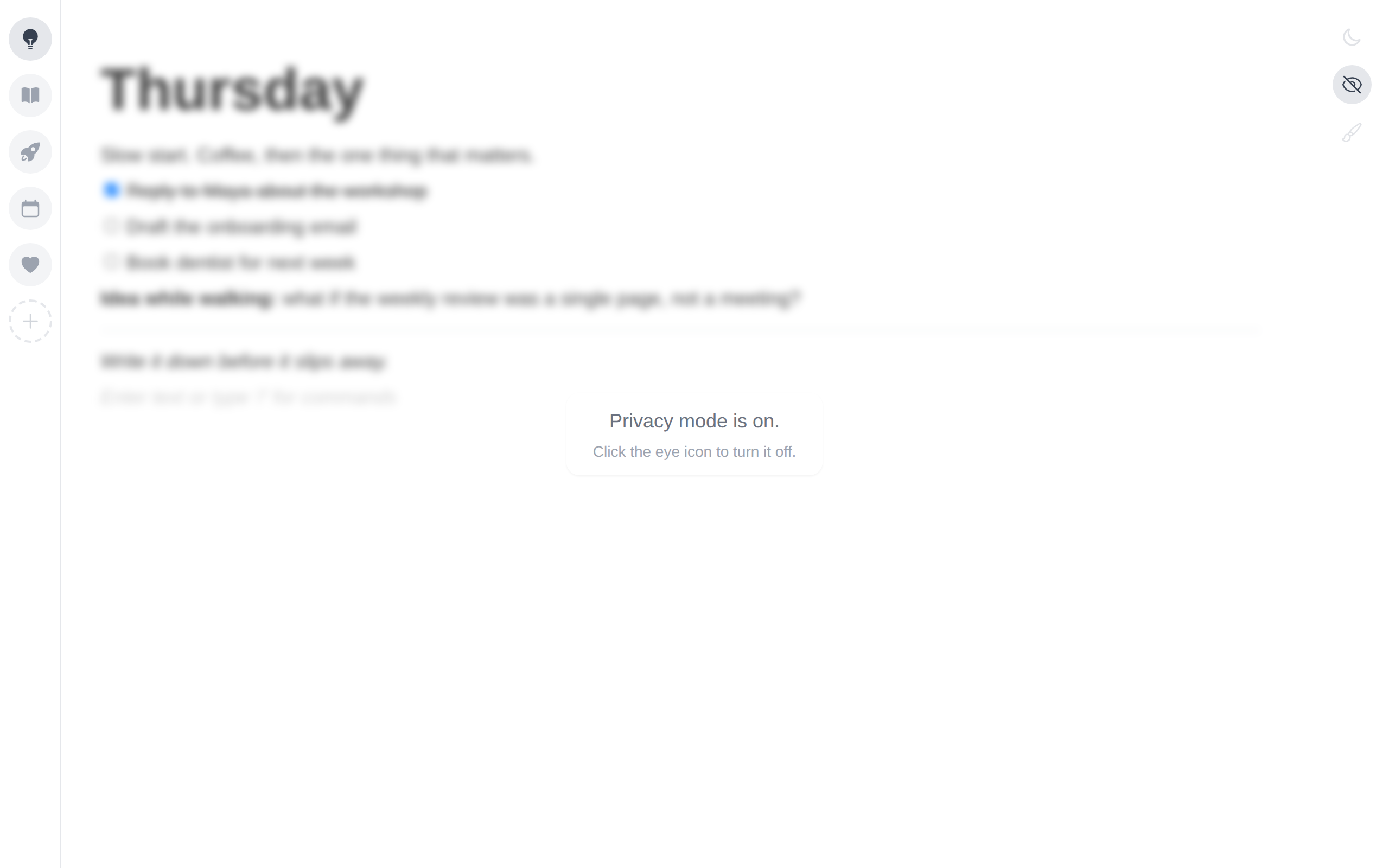
Someone walks past, you tap the eye. Your notes blur in every open tab until you tap it again.
05 Dark mode
Follows your system theme, or switch it yourself from the corner.
Private by design
Everything is saved in your own browser. And when someone walks past your screen, privacy mode blurs it all in one click.
Questions
In Chrome’s local extension storage on this computer. They are never uploaded anywhere.
No. Notes stay on the device you wrote them on. Tabs open on the same computer stay in sync with each other.
Chrome removes the extension’s data with it, so copy out anything you want to keep first.
Any time. Turn the extension off at chrome://extensions and Chrome’s default new tab returns.
No. Every feature is free, with no account and no trial.